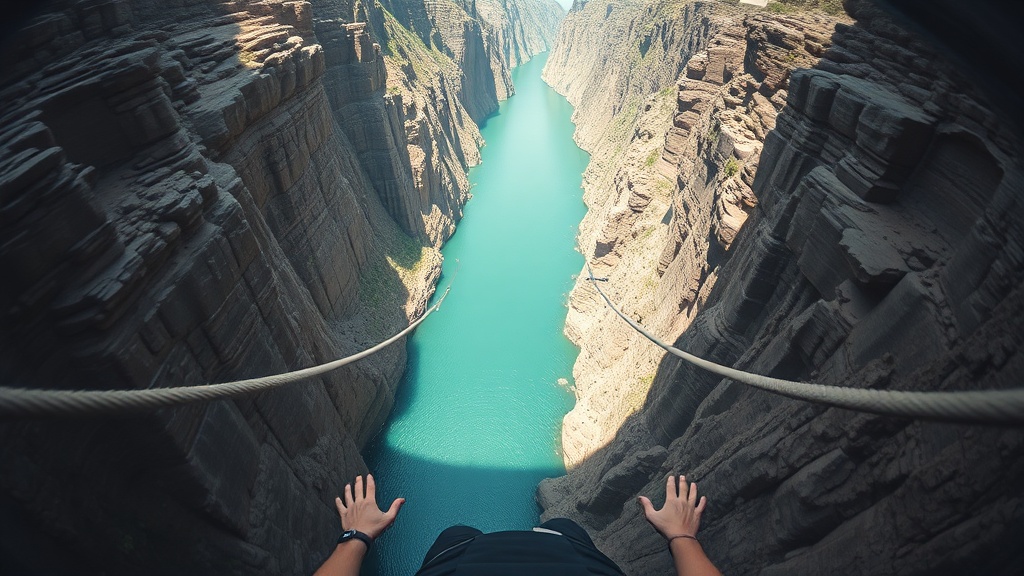
GoPro Hero 12 for Bungee: Best Mount Setup (Tested at 134m)
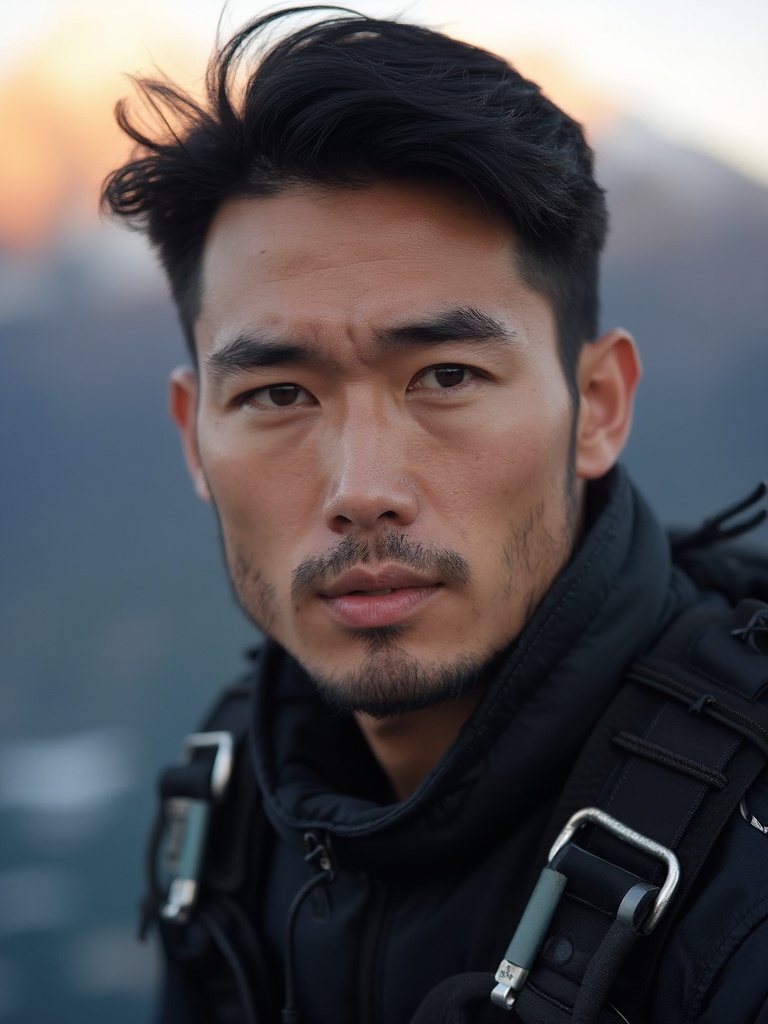
Alright so if you’re planning a summer trip and you want your bungee footage to look legit, not like a shaky security cam clip, here’s the no-BS answer:
Use a chest mount. Full stop.
I tested this on Jump #412 at Nevis (134m), and every time I run head mount vs chest mount footage side by side, chest wins for stability, framing, and not looking like you strapped a blender to your skull.
Trust the cord. And trust the chest mount.
My exact setup (what I’d tell my mate to buy)
- GoPro Hero 12 Black
- GoPro Chesty (or a legit chest harness, not the $8 floppy one)
- Short tether backup from mount to harness point
- Enduro battery
- Fast microSD (V30 minimum)
That’s it. You do not need a giant rig. You need a secure rig.
Why chest mount is the only mount I recommend for bungee
1) It handles rebound better
The jump is not just freefall. It’s freefall, cord load, then rebound and oscillation. Your head moves way more violently than your torso in that transition.
Head mount = whip city.
Chest mount = smoother tracking.
2) It captures the right story
The money shot in bungee isn’t just “ground below.” It’s:
- your hands on countdown
- your body position leaving the platform
- cord tension moment
- rebound facial chaos
Chest framing catches all of that. It feels like being there.
3) It passes operator checks more often
Operators care about loose items and snag risk. Body-mounted and tightly secured usually gets better acceptance than handheld or long-stick setups.
AJ Hackett’s own guidance says action cams must be securely attached close to your body at allowed sites, and that rules vary by site/activity. That tracks with what I see on platform every week.
Why head mounts are sketchy (real talk)
People love head mounts because they sound like true POV. In bungee, they’re usually a trap.
During rebound, G-load + neck snap + body rotation can shift framing right when the best moment happens. Even if the mount doesn’t slip off, the horizon can go full chaos and your shot looks cooked.
Could you get lucky with a great head-mount clip? Sure.
Would I trust it for a one-shot bucket-list jump? Nope.
If you get one jump, pick the setup with the highest chance of usable footage. That’s chest, every time.
GoPro Hero 12 settings that actually work for bungee
I’m giving you the settings I’d use tomorrow for Nevis:
Baseline (best for most people)
- Resolution: 4K
- Frame rate: 60fps minimum
- Lens: SuperView
- Stabilization: HyperSmooth ON
- Shutter/ISO: Auto (unless you know what you’re doing)
- Audio: Wind reduction Auto
If you want extra crop room in editing
- Resolution: 5.3K
- Frame rate: 60fps
- Same lens/stabilization as above
GoPro’s current Hero 12 specs list 5.3K60, 4K120, and 2.7K240, with HyperSmooth 6.0. So yes, the camera has the horsepower. The mount is the deciding factor.
Why 60fps is non-negotiable
Bungee movement is violent and fast. At 30fps, your footage can smear on the drop and feel flatter than real life. 60fps gives cleaner motion and optional slow-down in edit without turning the clip into potato soup.
The operator footage trap (and when it still makes sense)
I’m not anti-operator footage. I’m anti paying premium cash for average clips when your own setup is dialed.
Real examples from current pricing pages:
- Great Bungee (WV, US) lists HD Bungee Video at $37.74 + tax.
- AJ Hackett NZ’s current retail sheet says photo/video is included across listed bungy pricing.
So depending on where you jump, media can be included, cheap-ish add-on, or expensive bundle upsell. Always check before you book.
If your site charges $40-$60+ for video and allows personal cams, bringing your own setup can fund your next jump.
Camera policy and waivers: what people forget
You can have the perfect setup and still get told “no camera.” That’s normal.
Most legit operators require:
- signed waiver
- staff approval of camera placement
- secure attachment (no loose gear)
- compliance with site-specific rules
AJ Hackett also states jumpers are weighed at check-in and sign safety waiver during prep. Again: normal for serious operations.
If crew says remove your camera, remove it. No debate. No ego.
90-second pre-jump camera check (do this every time)
- Battery above 70%
- Card has free space
- Lens clean
- Chesty straps tight (tighter than you think)
- Tether clipped and checked
- Record a 10-second test clip with movement
- Confirm record light before walking to platform
One missed “record” tap is the most common fail I see.
What NOT to do
- Don’t run a long selfie stick unless site explicitly approves it
- Don’t mount loose on helmet and hope for the best
- Don’t use old crusty adhesive mounts for one-shot jumps
- Don’t argue policy with jump crew
- Don’t prioritize footage over safety
Safety isn’t the opposite of adventure. It’s what makes the adventure possible.
My final recommendation
If you’re asking me for the best GoPro mount for bungee, here’s the answer:
- Hero 12
- Chest mount
- Backup tether
- 4K60 SuperView + HyperSmooth
- Full commit on the countdown
Simple. Repeatable. Clean footage.
You only get one first jump, mate. Film it right.
Trust the cord. Send it.
Research + verification notes (checked March 5, 2026): GoPro Hero 12 official spec page; AJ Hackett NZ camera prep/policy and legal pages; AJ Hackett NZ 2025-26 retail rates PDF; Great Bungee pricing page for media add-on example.